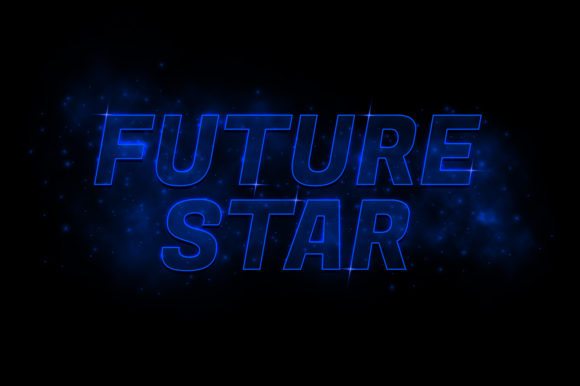
Future Star Text Effect for Modern Design
In a digital landscape saturated with static imagery and predictable typography, standing out requires more than just good content; it demands visual impact. The Future Star Text Effect offers a sophisticated solution for creators who want to elevate their projects without getting bogged down in complex technical workflows. This isn't merely about adding a glow or a gradient; it is about crafting a visual language that speaks of innovation, ambition, and forward-thinking design.
Designed specifically for Adobe Photoshop users, this tool bridges the gap between high-end graphic design and accessible editing. Whether you are a freelancer pitching a new brand identity, a marketer launching a product campaign, or an educator creating engaging presentation materials, the ability to manipulate text with futuristic flair can transform a standard layout into a compelling narrative. The core value lies in its balance: it provides a stunning aesthetic result while maintaining the flexibility needed for rapid iteration.
Understanding the Future Star Text Effect
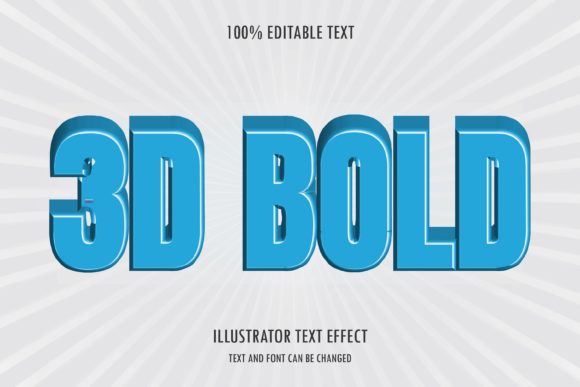
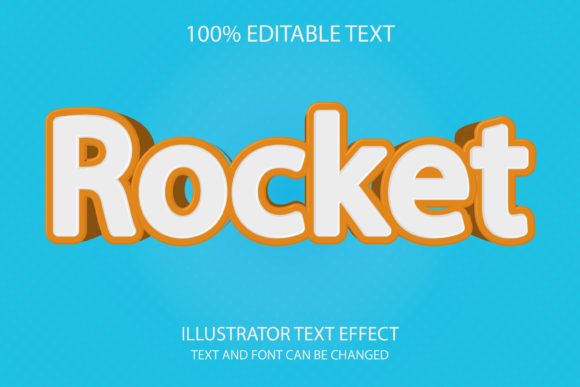
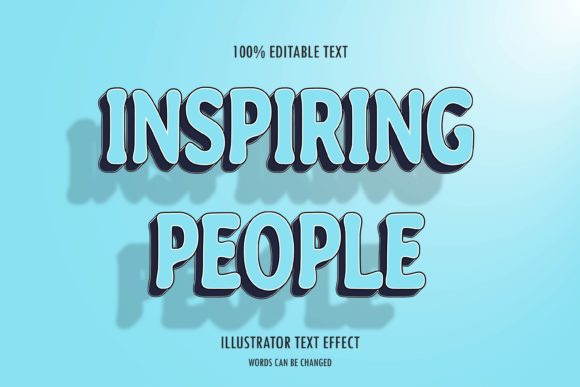
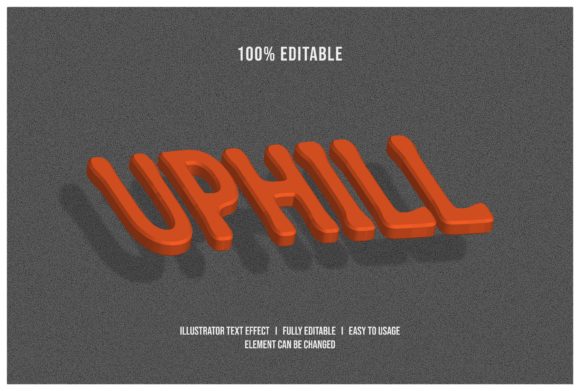
At its heart, the Future Star Text Effect is a specialized layer style designed to simulate advanced lighting and metallic textures on typography. Unlike generic drop shadows or simple bevels found in basic templates, this effect utilizes multi-layered blending modes to create depth and luminosity. The result is text that appears to emit light, possess a three-dimensional structure, or reflect a polished, futuristic surface.
What makes this specific effect particularly interesting is its adaptability. It is not locked into a single color palette or font weight. Instead, it serves as a robust foundation that can be adapted to suit everything from sleek tech startup logos to bold editorial headlines. The "star" element often refers to the radiant highlights and sharp geometric accents that give the letters a dynamic, energetic quality. When applied correctly, the text doesn't just sit on the page; it commands attention.
Why Editable Smart Objects Matter
The most significant advantage of this asset is its user-friendly architecture. Traditional Photoshop effects often require manual adjustments for every single letter if you need to change the copy. However, this template leverages Smart Objects, a feature that revolutionizes the editing process. By double-clicking the designated smart object layer, you open a separate workspace where you can insert your own words or phrases.
This workflow is intuitive and efficient. You do not need to understand complex layer masks or blending mode hierarchies to get started. Once you type your new text within the smart object and save the changes, the entire project updates instantly. The complex star effects, shadows, and glows automatically reapply to your new characters. This ensures consistency across your design while saving hours of repetitive work. For busy professionals, this efficiency is invaluable.
Creative Applications Across Industries
The versatility of the Future Star Text Effect allows it to serve diverse audiences and goals. Its clean lines and modern aesthetic make it suitable for a wide range of industries, provided it is used with intention. Here is how different creative roles can leverage this tool:
- Branding and Logos: For technology companies, gaming studios, or app developers, the effect conveys a sense of cutting-edge innovation. It helps establish a brand identity that feels modern and reliable.
- Social Media Marketing: In the fast-scrolling environment of Instagram or TikTok, eye-catching graphics are essential. Using this effect for event announcements, product launches, or quote cards can significantly increase engagement rates by stopping the scroll.
- Educational Materials: Teachers and trainers can use the effect to highlight key concepts in slide decks or worksheets. The visual interest keeps students engaged and helps emphasize important information without distracting from the core message.
- Event Posters: From music festivals to tech conferences, the dramatic lighting of the future star effect adds a premium feel to event promotions, making them look professionally produced.
Adapting for Different Platforms
While the base file is optimized for print and high-resolution displays, the underlying principles allow for adaptation across various formats. Because the source file is organized with 4000 x 2500 pixels at 300 DPI, it is ready for large-scale printing like banners, posters, and billboards. However, the same layers can be scaled down for web use.
When adapting for social media, consider adjusting the contrast. Mobile screens vary in brightness, so ensuring the glowing elements pop against both dark and light backgrounds is crucial. The organized layer structure makes this easy; you can toggle visibility on specific glow layers or adjust opacity to fine-tune the look for smaller screens without losing the integrity of the design.
Technical Specifications and Workflow
To ensure the highest quality output, the Future Star Text Effect comes prepared with professional-grade specifications. The document resolution is set to 300 DPI, which is the industry standard for print media. This guarantees that your text will remain crisp and clear, even when printed on large formats. The dimensions of 4000 x 2500 pixels provide ample canvas space for detailed compositions, allowing designers to add background elements, images, or secondary text without crowding the main focal point.
The file package is designed for ease of access and organization. Included in the download is a comprehensive ZIP file containing the primary PSD (Photoshop) file, a JPG preview for quick reference, and links to the free fonts used in the design. This attention to detail removes the frustration of hunting down specific typefaces later in the process.
- Download and Extract: Unzip the folder to access all necessary assets.
- Open the PSD: Launch the file in Adobe Photoshop. Ensure you have the latest version for optimal compatibility with Smart Object features.
- Edit the Text: Locate the Smart Object layer in the Layers panel. Double-click the thumbnail to open the edit window. Replace the placeholder text with your desired message.
- Save and Apply: Save the changes in the edit window and close it. Your main document will update immediately with the new text and full effects.
- Finalize: Adjust colors or backgrounds as needed before exporting your final image.
Maintaining Consistency and Originality
While templates are powerful tools, they should not result in generic-looking designs. To keep your work original and audience-friendly, focus on the context in which you place the Future Star Text Effect. A futuristic font might clash with a vintage background, so ensure your color palette and supporting imagery complement the sharp, modern edges of the text.
Consistency is key to building a recognizable visual identity. If you are using this effect for a series of social posts, maintain the same font weight and color scheme across all pieces. This repetition builds trust and familiarity with your audience. Furthermore, take advantage of the organized layers to experiment. Try changing the hue of the starlight or the intensity of the metallic sheen to create variations that fit different moods, from cyberpunk energy to minimalist elegance.
By combining the technical ease of the Smart Object system with thoughtful design choices, you can produce high-quality visuals that resonate with your target demographic. The goal is not just to use a cool effect, but to communicate a message effectively. Whether you are selling a product, sharing knowledge, or simply expressing creativity, the Future Star Text Effect provides the perfect vehicle to deliver your content with clarity and style.